NOTEOnly Semgrep Code and Secrets rules can be forked.
Fork a rule
One way to create new rules is to fork an existing rule in the Semgrep Registry and modify it to meet your software and business requirements. For example, Semgrep’s Javacrypto ruleset prohibits the use of weak hashing algorithms SHA-1 and MD5. However, your organization also prohibits the use of other hash functions as part of its standards or security compliance. The following steps illustrate the process of forking an existing use-of-sha1 rule and changing it to forbid MD2 hashes.
1
Use the search bar to find relevant rules. For this example, you can search for rules using 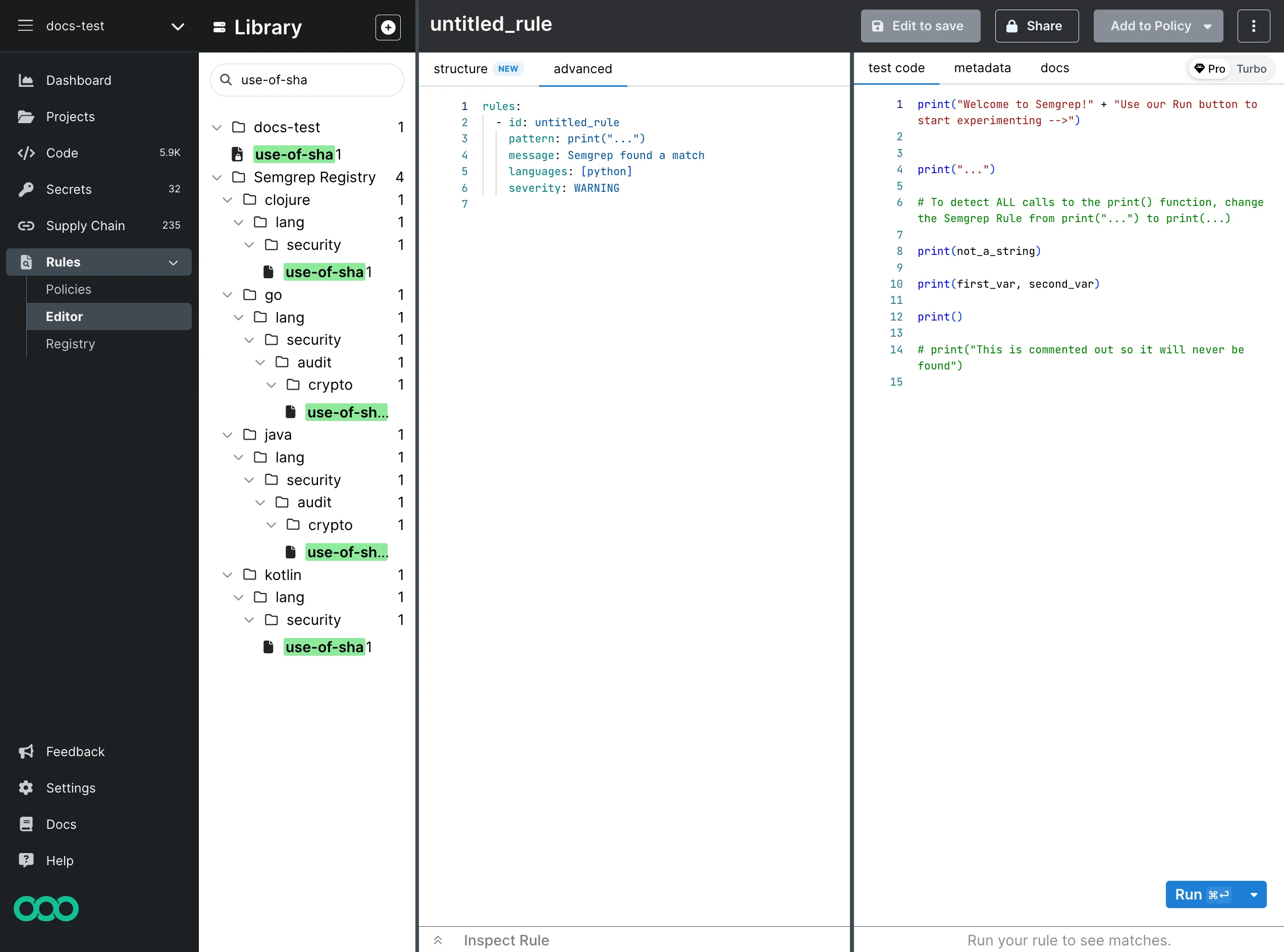
SHA1.2
Under java > lang > security > audit > crypto, click use-of-sha1 to load the rule. You cannot directly edit the rules in Semgrep Registry, so click Fork to make a copy.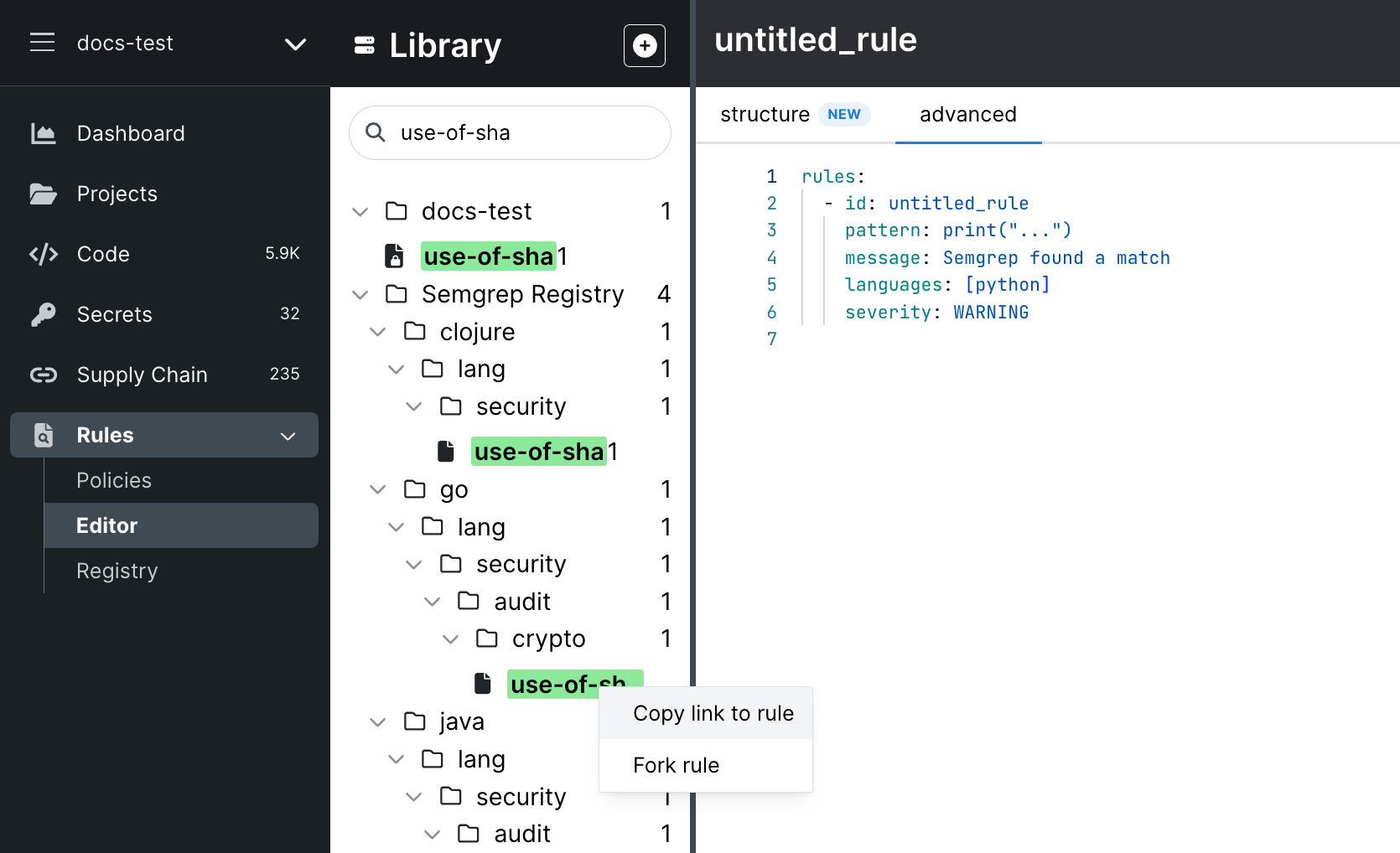
3
Semgrep copies the rule to your organization’s set of rules.
4
Edit the rule.
5
Update your test cases.
6
Click Run to test and validate your rule.
7
When you finish your changes, click Save.
SHA-1 and MD5, has been modified to find uses of MD2 and the severity of such findings is increased from WARNING to ERROR.
Changing the severity
Once you have forked the rule, you can change the severity or other metadata to your liking. Then, save this custom version of the rule to your organization’s rules, making it available to use within your policy as defined in Semgrep AppSec Platform.