1
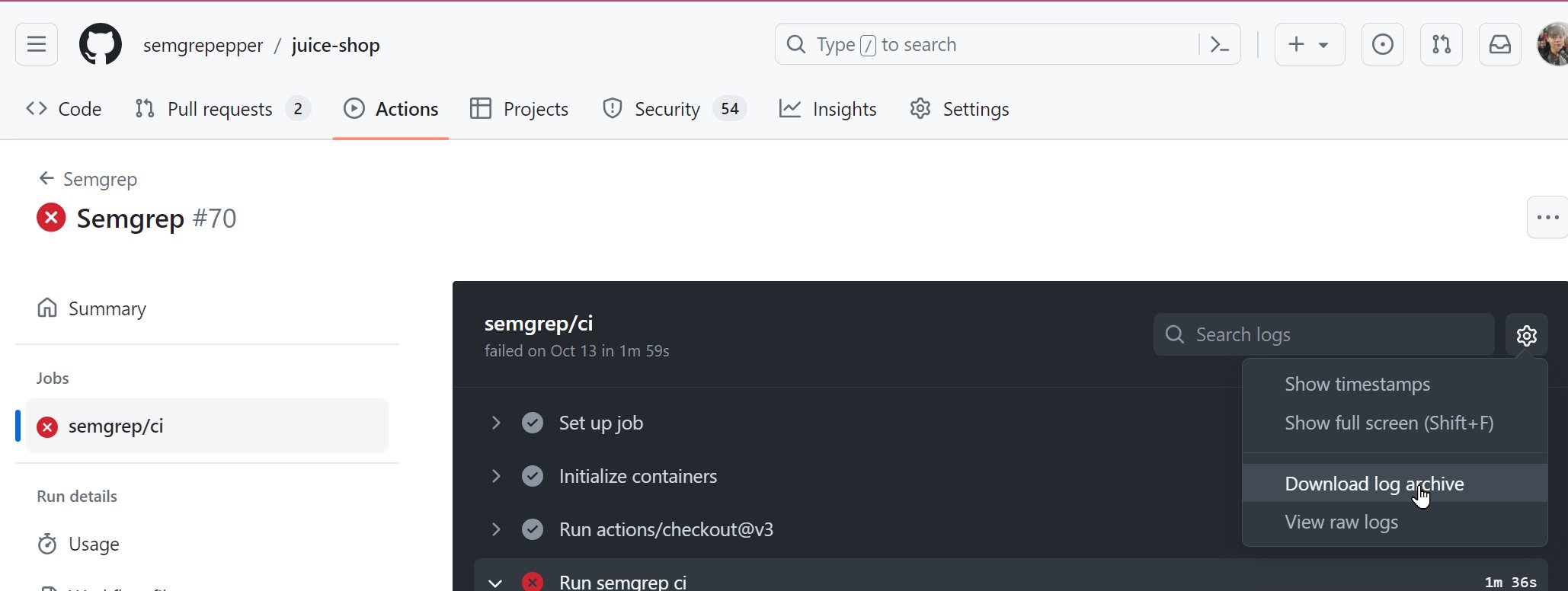
Navigate to the main page of the GitHub repository you are troubleshooting or scanning.
2
Click the Actions tab.
3
In the Actions page, click the Semgrep workflow run that you want to retrieve logs for. The name depends on your configuration. By default, it is named Semgrep.
4
Click the job name, typically semgrep/ci.
5
You are taken to the specific job page. Click the gear icon > Download log archive.