

- Dynamic Dependency Resolution (beta): Semgrep resolves dependencies from the project’s
pom.xmlfiles. You don’t need to generate any files. - A Maven dependency tree: you generate a
maven_dep_tree.txtfile with Maven, and Semgrep parses it.
pom.xml and a maven_dep_tree.txt file, Semgrep uses maven_dep_tree.txt.
The options available to you depend on where you run Semgrep:
Scan in your own CI system or the CLI
Option 1: Resolve dependencies from pom.xml files
1
Install a Java Development Kit (JDK) and Maven in the environment where you run Semgrep. Because you choose the JDK, you can use this option for projects that need Java versions below 11.
2
Run Semgrep with the For existing CI jobs, add the flag to the Semgrep command in your configuration file.
--allow-local-builds flag, which lets Semgrep invoke Maven to resolve dependencies:Option 2: Generate a dependency tree
1
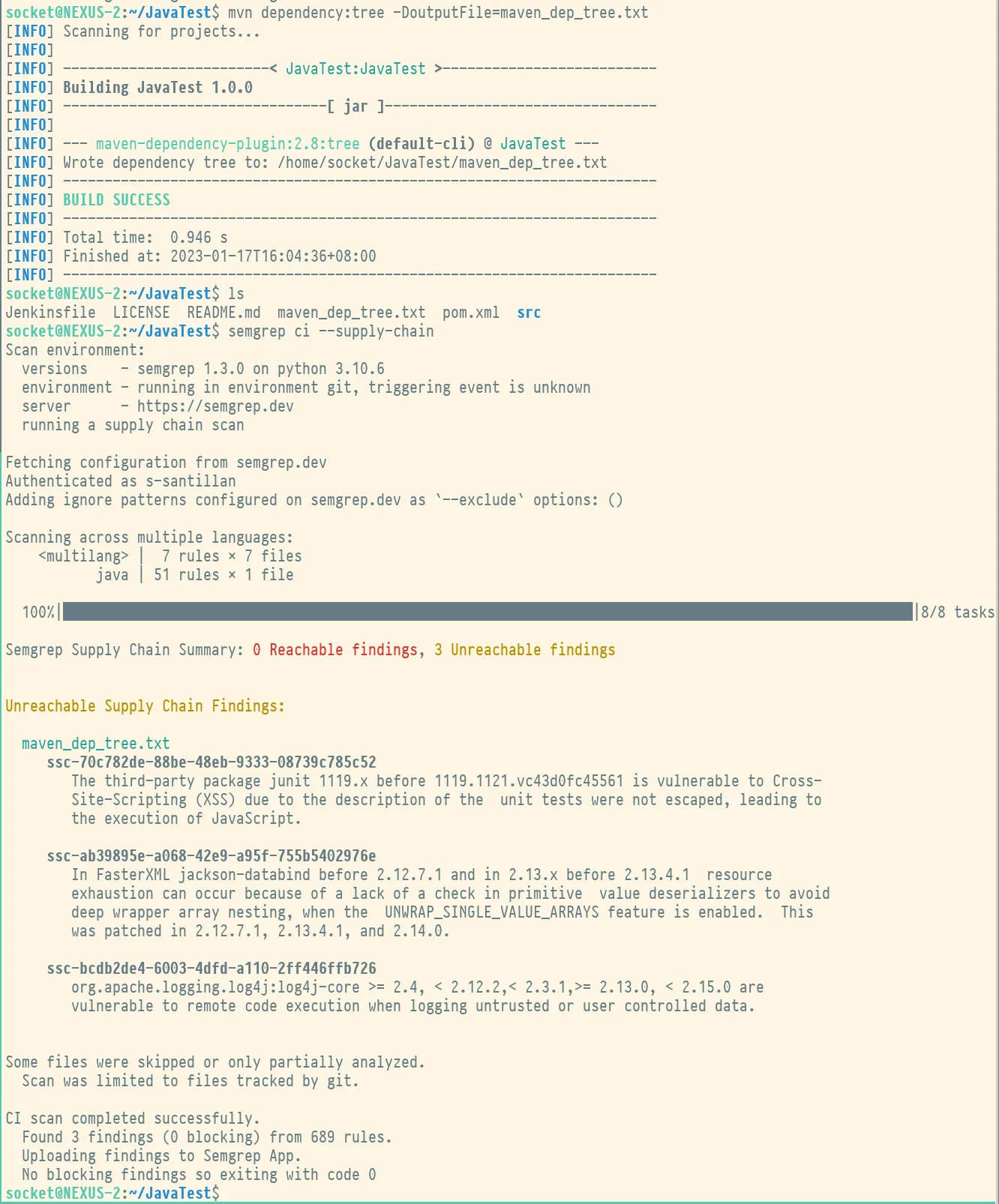
Generate a file outlining the project’s dependency tree by adding the following command to your build pipeline:For specific steps to add the command into your build pipeline, refer to your CI provider’s documentation.
2
For each
pom.xml file with dependencies you want to scan, create additional dependency trees in their respective directories. Semgrep detects a dependency tree only if the file is named maven_dep_tree.txt. Save each file in the same directory as its pom.xml file.3
Run the Semgrep workflow, action, or step after the dependency tree or trees have been generated.
Sample GitHub Actions workflows
In GitHub Actions, the workflow must generate all dependency trees in one job and then run Semgrep after.- Multiple pom.xml files
- Single pom.xml file
In the following code snippet, dependency trees are shared between the two jobs through a zip file that gathers all the lockfiles and, in the next job, unzips the lockfiles and runs Semgrep as usual.
Scan with Semgrep Managed Scans
Managed Scans doesn’t run your CI pipeline, so it can’t use a dependency tree that your pipeline generates, as described in Generate a dependency tree. Use one of the following options.Option 1: Resolve dependencies from pom.xml files on Managed Scans
1
If the project uses packages from a private Maven registry, connect the registry to Semgrep.
2
Contact Semgrep Support to enable Dynamic Dependency Resolution for the repositories you want to scan.
Option 2: Commit a dependency tree to the repository
Generatemaven_dep_tree.txt files as described in Generate a dependency tree and commit them to the repository. Semgrep parses the files, so the project’s Java version doesn’t affect Supply Chain scanning. Regenerate and commit the files whenever the project’s dependencies change.